
Passport Seva Status Check – Track Your Passport Application 2026
If you’ve applied for a passport, the next thing on your mind is usually simple: “What’s my passport status?” The good news is that checking your passport Seva status is very easy. You don’t need any agent or special help. Everything can be done online in just a few minutes.
In this complete guide, you’ll learn:
What is Passport Seva Status?
Passport Seva status tells you the current progress of your passport application. After you apply, your request goes through multiple stages like:
By using passport status tracking, you can see exactly where your application stands.
How to Check Passport Seva Status Online
Checking your passport seva status online is the easiest and fastest method. Follow these detailed steps carefully:
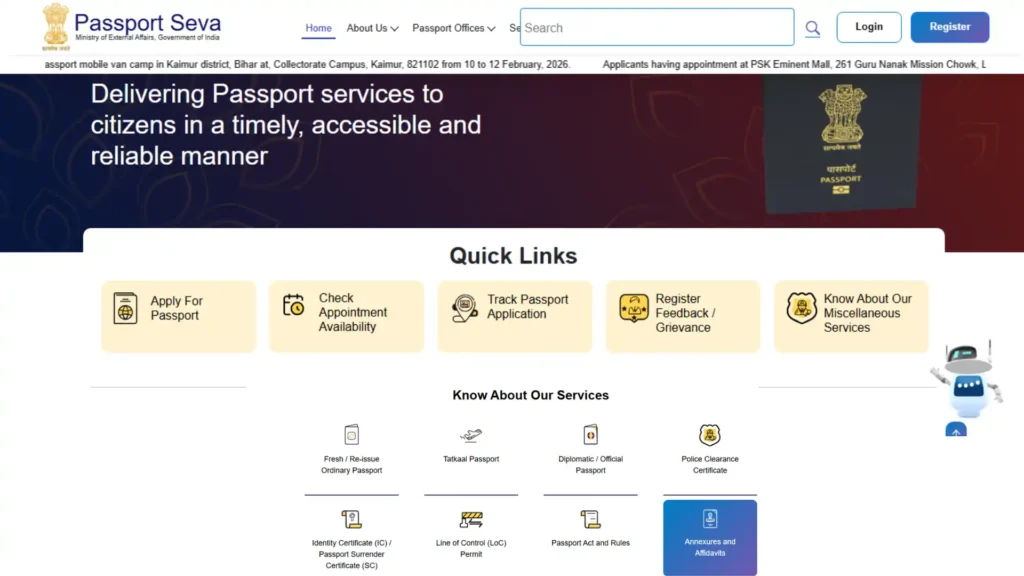
Visit the official Passport Seva website
Open your browser (Chrome, Safari, etc.) and go to the official Passport Seva Kendra portal. Make sure you are using the correct website to avoid any fake or third-party sites.
Click on “Track Application Status”
On the homepage, you will see different options. Look for “Track Application Status” and click on it.
This section is specifically made for users who want to check their passport status online.
Select Your Application Type
You will now see a dropdown menu. Choose the correct option based on your application, such as:
Selecting the correct type ensures you get the accurate passport application status.
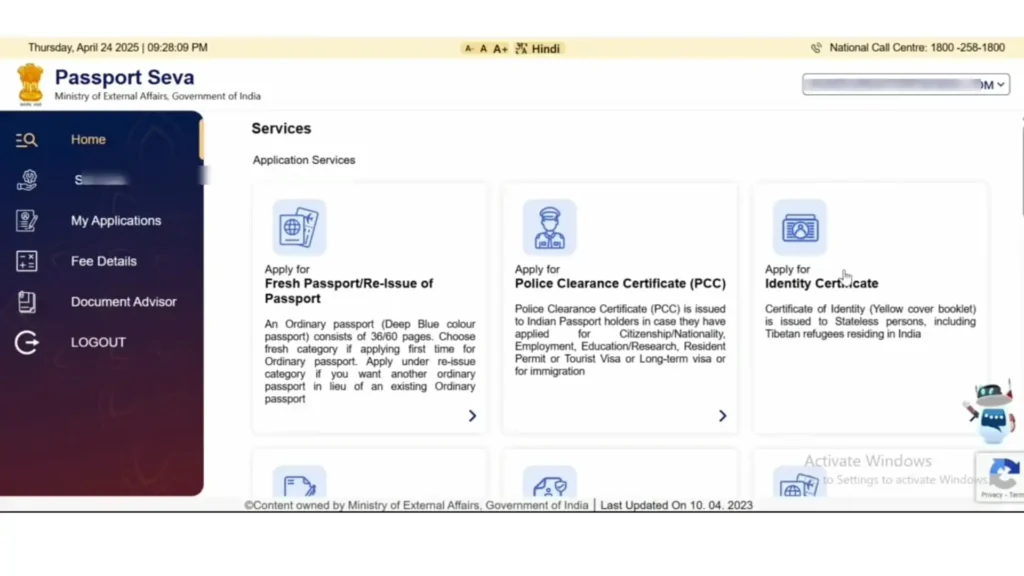
Enter your Application Reference Number (ARN)
Now, enter your ARN (Application Reference Number) carefully.
Make sure there are no typing mistakes, or the system will not show your passport tracking status. Also read our guide on how to book Passport Seva Appointment
Enter your date of birth
Fill in your date of birth exactly as you entered it in your application form.
Even a small mismatch (like wrong format or date) can prevent you from checking your passport status online.
Click on “Track Status” button
After entering all details, click the “Track Status” button.
Within seconds, your passport status will appear on the screen.
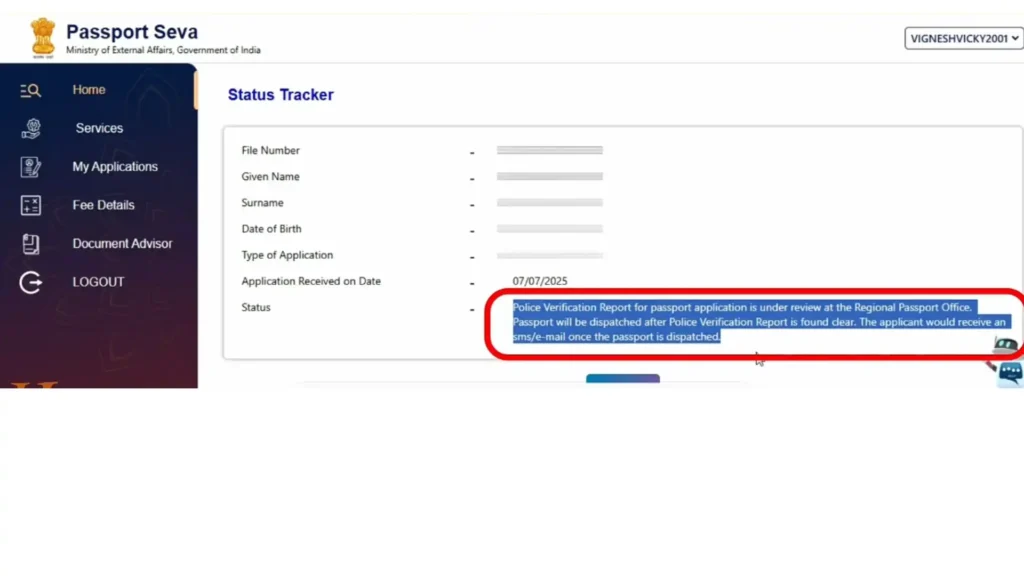
Read and understand your status result
Your result show messages like:
Each message tells you the current stage of your application, so read it carefully.
Pro Tip
If your passport status tracking does not update immediately, don’t worry. Sometimes it takes 24–48 hours for new updates to appear.
Different Ways to Track Passport Status
Here are the other methods for passport tracking status check:
Online Portal (Best Method)
SMS Service
Helpdesk / Call Center
Passport Status Messages and Their Meaning
When you check your passport status check, you may see different messages. Here’s what they actually mean:
Application Submitted
Your form has been successfully submitted.
Under Review
Your application is being processed.
Police Verification Initiated
Police verification has started.
Police Verification Completed
Verification is done and sent to the passport office.
Passport Printed
Your passport is printed and ready.
Passport Dispatched
Your passport has been sent via Speed Post.
How to Check Passport Dispatch Status Or Speed Post Tracking
After printing, your passport is sent via Speed Post.
This helps you track passport dispatch status speed post in real time.
How to Check Passport Status by Name (Is It Possible?)
Many people search for:
“How to check passport status by name”
But the reality is:
This is done for security reasons.
Passport Renewal Status Check
If you applied for renewal, the process is the same.
Steps:
The stages are similar to a new passport.
Common Problems While Checking Passport Status
Sometimes users face issues while doing a passport status check online.
Status Not Updating
Wrong ARN Error
Police Verification Delay
Conclusion
Checking your passport seva status doesn’t have to be confusing. Once you know where to go and what details to enter, the whole process becomes quick and stress-free.
Whether you want to check passport status online, track your passport application status, or see updates like police verification or passport dispatch status, everything is available in one place.
The most important thing is to keep your Application Reference Number (ARN) safe and check your status regularly for updates. If there’s a delay, don’t panic some steps like verification and printing can take time.
With the right information and a little patience, you can easily track passport status and stay updated at every stage of your application.